Nexus Registry
Temporal Nexus is now Generally Available for Temporal Cloud and self-hosted deployments.
The Nexus Registry manages Nexus Endpoints. Developers can advertise available Endpoints and Services, so others can find and use them in their caller Workflows. Adding an Endpoint to the Registry deploys it for immediate runtime use. Endpoint names must be unique within the Registry. In Temporal Cloud, the Registry is global across your entire Account, spanning all Namespaces. In self-hosted deployments, it is scoped to a Cluster.
View and manage Nexus Endpoints
Manage Endpoints using the Temporal UI, CLI, Terraform provider, or Cloud Ops API.
- Terraform support for Temporal Cloud.
- tcld nexus for Temporal Cloud.
- temporal operator nexus for self-hosted deployments.
Search for a Nexus Endpoint
Search by Endpoint name or target Namespace.
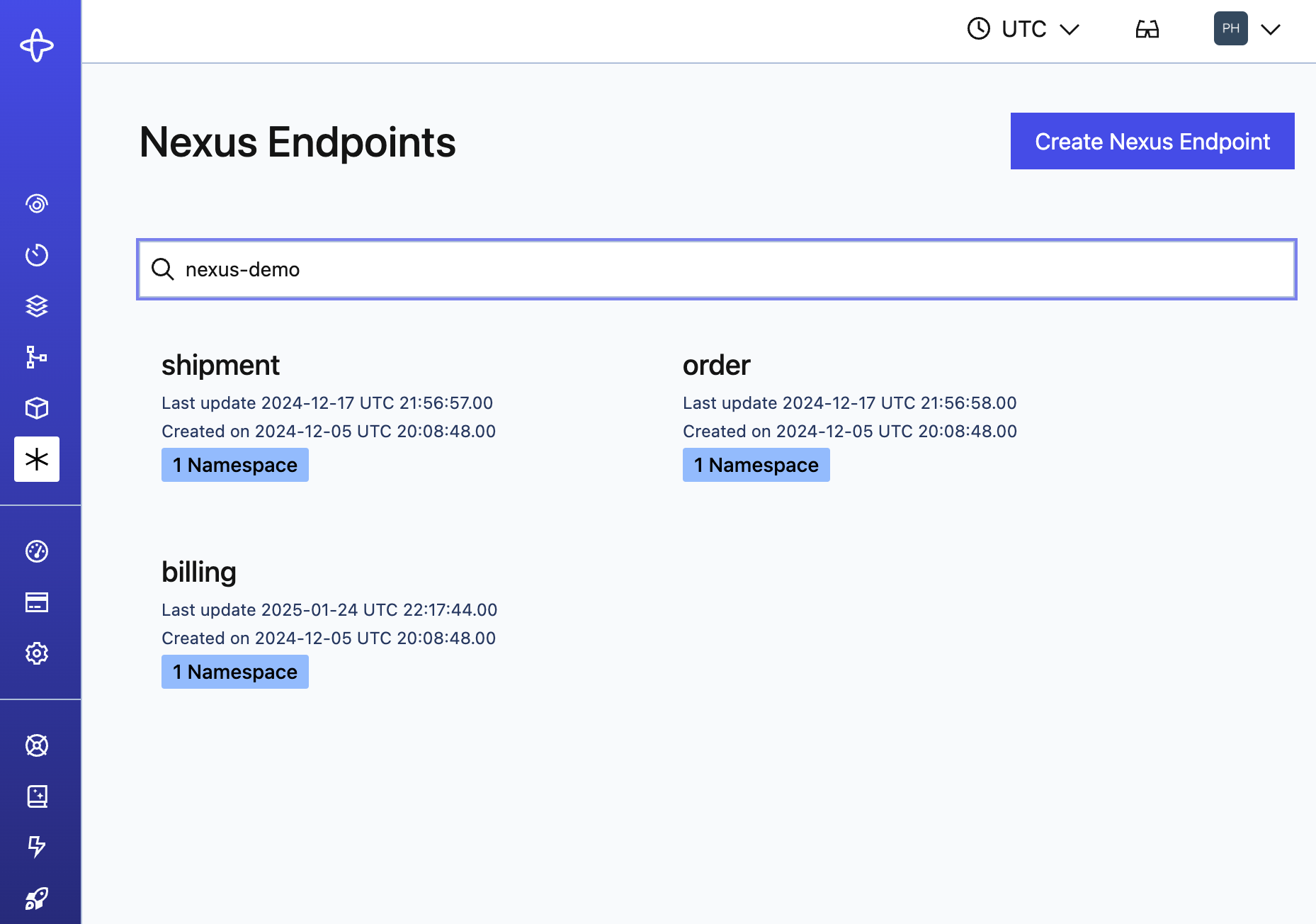
Nexus Endpoints
The details page shows the target Namespace, Task Queue, and description rendered as markdown.
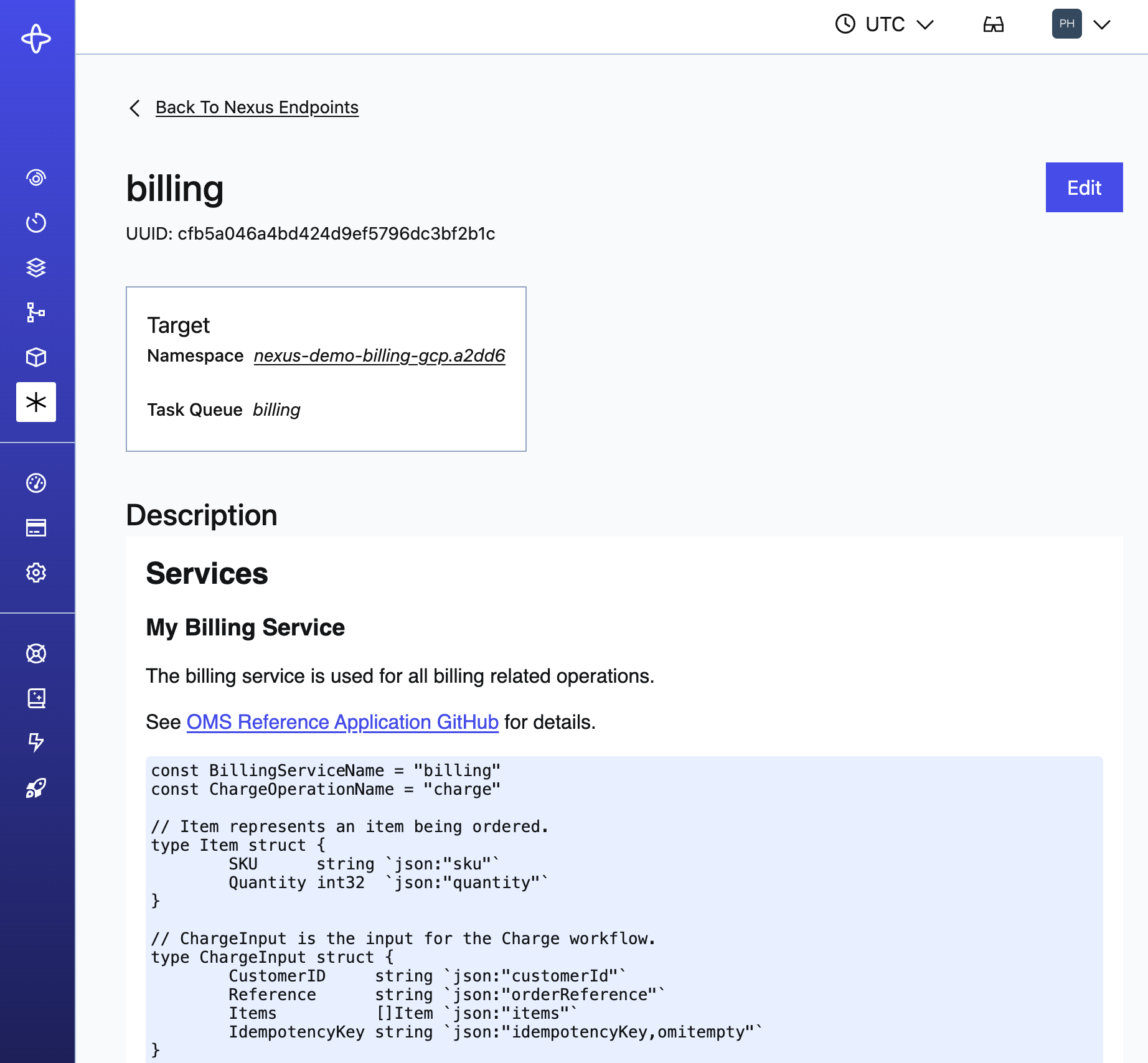
Nexus Billing
Create a Nexus Endpoint
Creating an Endpoint includes setting an Access Policy - the allowlist of caller Namespaces permitted to use the Endpoint. No callers are allowed by default, even if in the same Namespace as the Endpoint target.
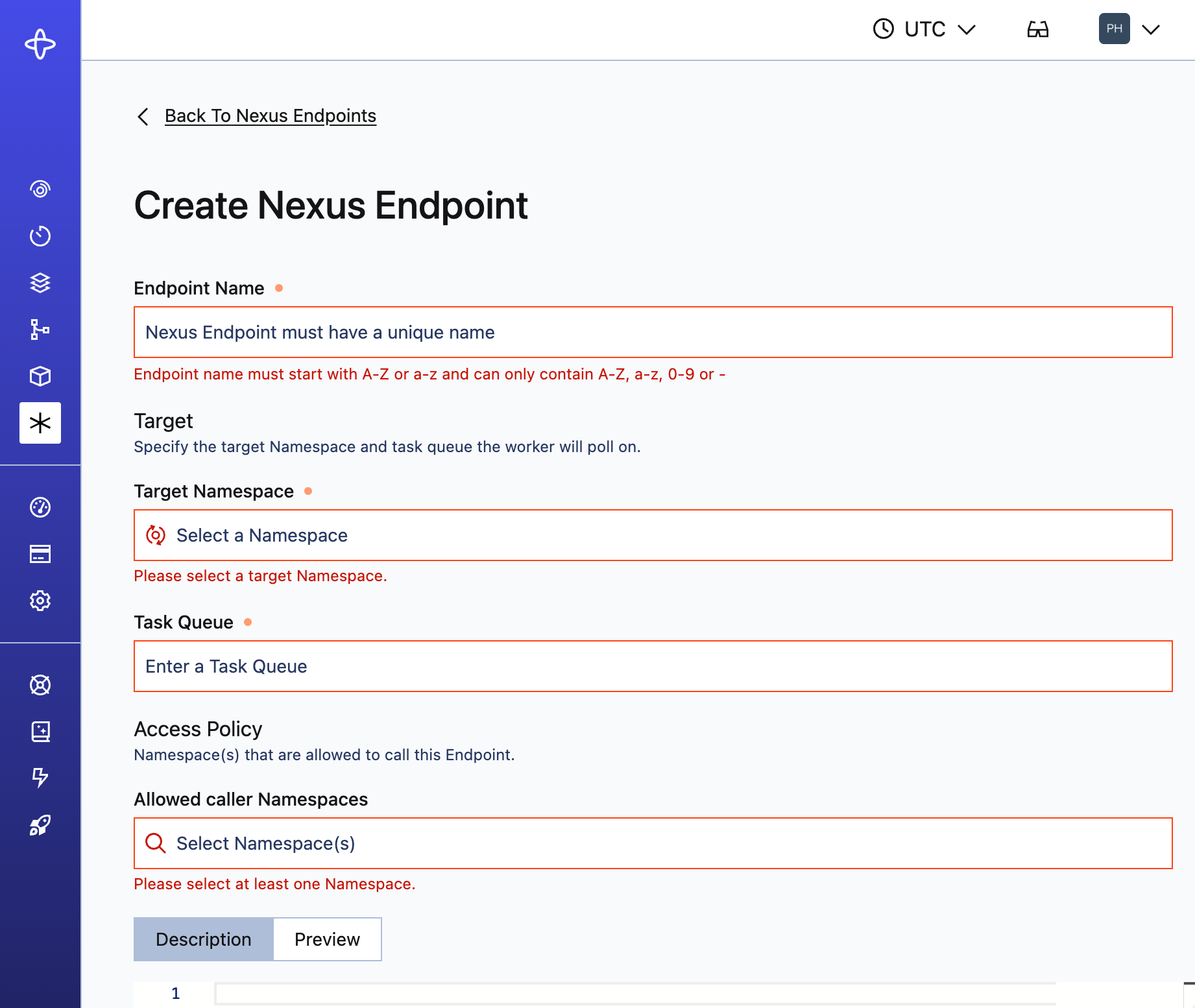
Create Nexus Endpoint
Edit a Nexus Endpoint
Everything except the Endpoint name can be edited. New Operations route to the updated target immediately.
- In-flight async Operations - Completion callbacks point to the original handler Namespace and are unaffected, but Cancel requests route to the new target.
- Workflow ID uniqueness - IDs are scoped per Namespace. Signal-With-Start creates a new Workflow in the new target even if the same ID is active in the old target, resulting in potential duplicates.
- Recommendation: Drain existing Nexus Operations and underlying handler Workflows before changing the target Namespace.
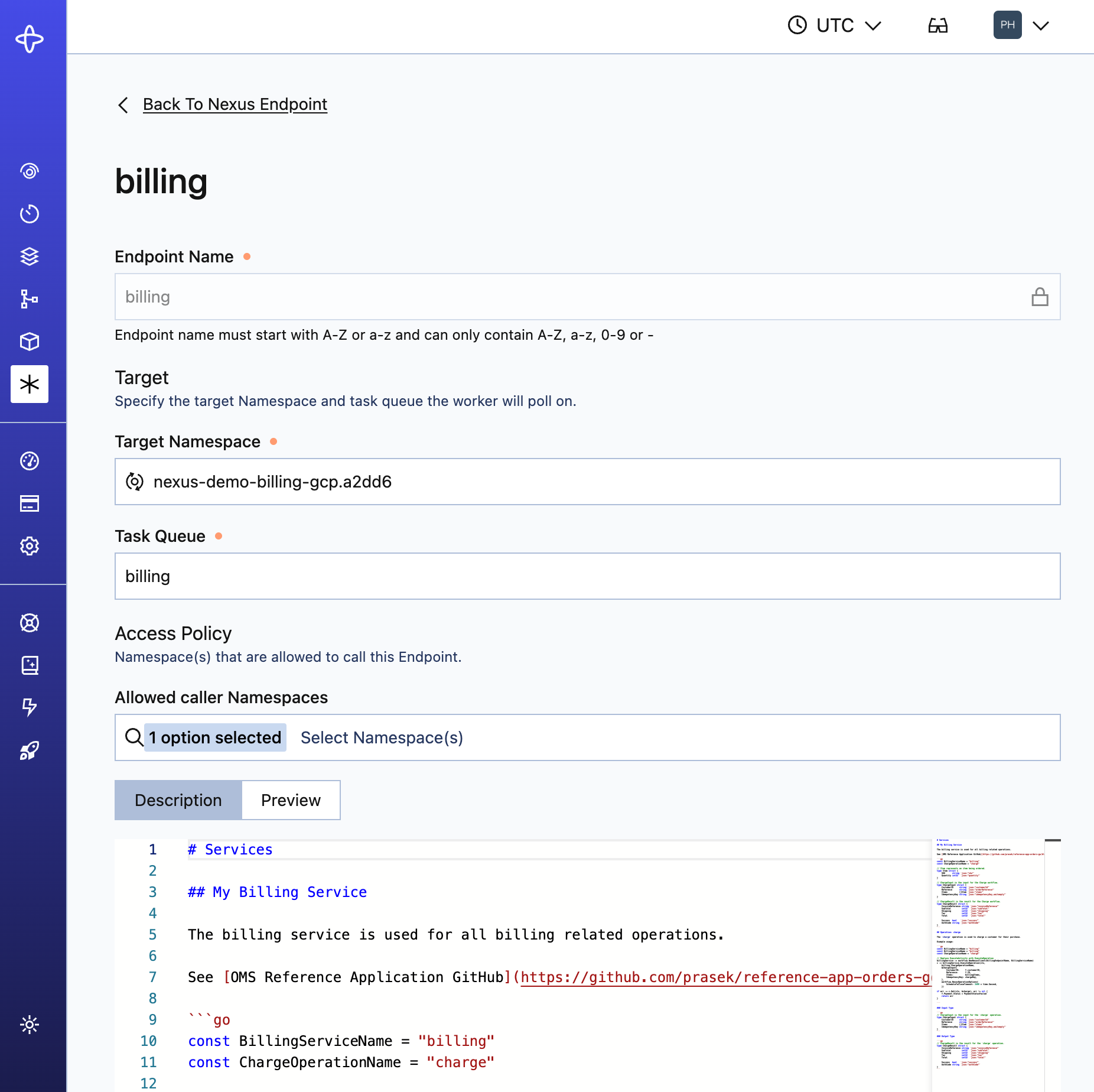
Edit Nexus Endpoint
Configure runtime access controls
The Access Policy controls which caller Namespaces can use an Endpoint at runtime. No callers are allowed by default.
See Runtime Access Controls for details.
Configure runtime access controls
Roles and permissions
The Nexus Registry uses default roles in Temporal Cloud. For self-hosted deployments, you can implement [custom Authorizers](/self-hosted-guide/security#authorizer-plugin to restrict access).
In Temporal Cloud, Nexus Registry respects RBAC permissions, and restricts functionality based on user role:
| Action | Required permissions |
|---|---|
| View or search Endpoints | Read-only role (or higher) at the Account level |
| Manage Endpoints | Developer role (or higher) and Namespace Admin on target Namespace |
See Nexus security in Temporal Cloud.
Automate Nexus Endpoint provisioning and lifecycle management
There are two ways to automate endpoint provisioning and lifecycle management: Terraform and the Operator API.
- Terraform support for Temporal Cloud.
- Cloud Ops API for Temporal Cloud.
- Operator API for self-hosted deployments.